
Appearance
Introduction
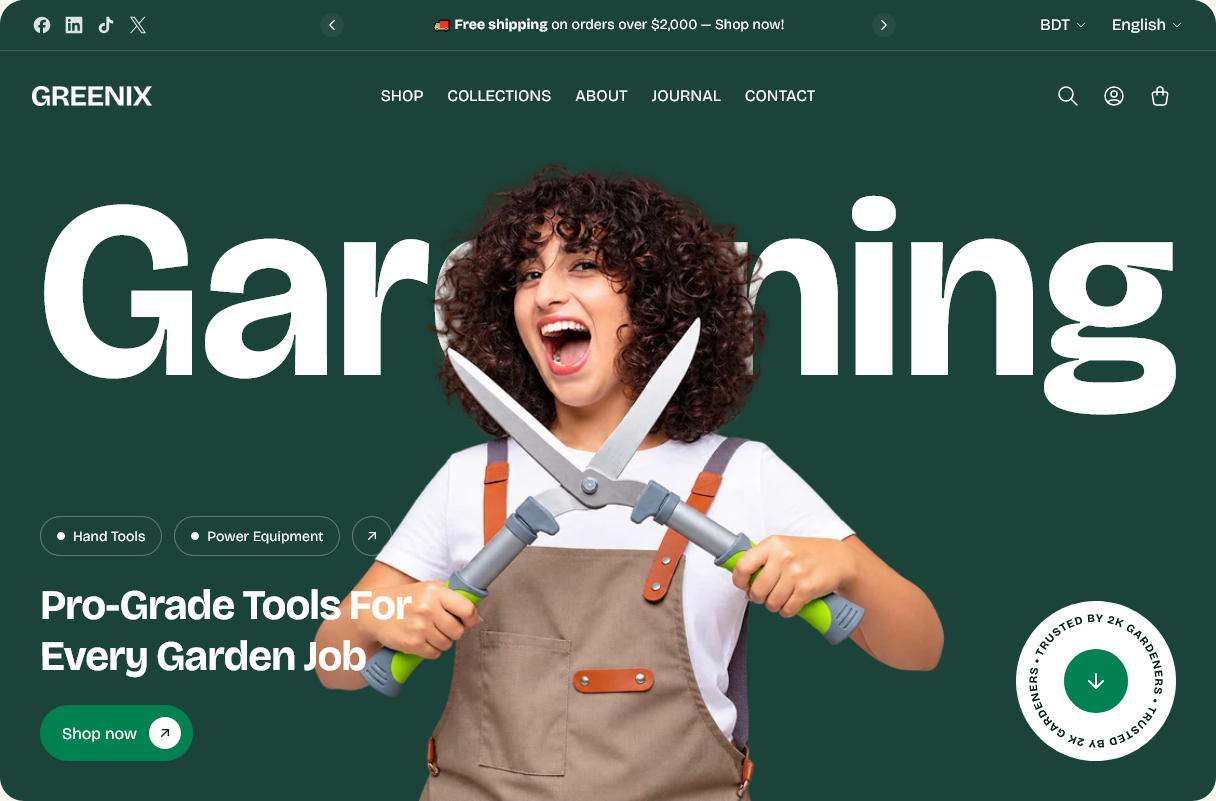
Greenix is a Shopify theme built for stores that sell physical goods with a lot of variation — tools, equipment, garden and hardware ranges, and anything else where a customer compares specifications before buying.
It ships with 29 content sections, 8 global sections and 14 groups of theme settings, so most stores can be built by arranging sections in the theme editor without touching code.
What you get
A product page built for detail. Media galleries that handle photos, video, external video and 3D models side by side. Variant swatches, complementary products, recently viewed, pickup availability and Shop Pay Installments.
Merchandising sections. Shoppable images with hotspots, tabbed product grids, countdown sales, best sellers, testimonials, linked image tiles and a scrolling marquee — all configurable, none of them requiring code.
Fast browsing. Quick view, a cart drawer, a search drawer with predictive results, and collection filtering and sorting.
Before you start
You need:
- A Shopify store.
- Staff access with the Themes permission (or the store owner account).
- Your product photography ready. The theme arranges what you upload — it does not supply images.
No coding is required to set up the theme. If you do plan to edit the code, duplicate the theme first and work on the copy.
How this documentation is organized
| Where | What it covers |
|---|---|
| Getting started | Installing, updating, and your first setup |
| Theme settings | Settings that apply across the whole store |
| Global sections | Header, footer, drawers and popups |
| Pages | How each template is put together |
| Sections | Every section you can add, with all of its settings |
| Help | FAQ, troubleshooting and the changelog |
Every settings table in this documentation is generated from the theme itself, so the labels match exactly what you see in the theme editor.